
AI Campaign Builder
Start from a business website and create an editable Wi-Fi portal draft with its branding and copy.
RockMyWiFi capability · MSP qualification underway
GUEST WI-FI FOR MANAGED SERVICE PROVIDERS
Give every client a branded guest Wi-Fi experience. Manage their locations, campaigns, and reporting from one MSP workspace.
 DashboardSAMPLE WORKSPACE
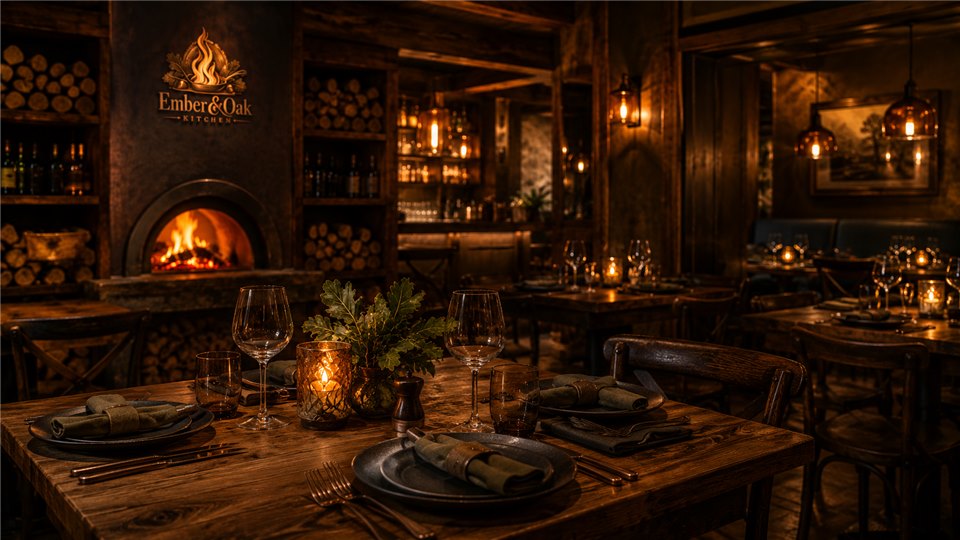
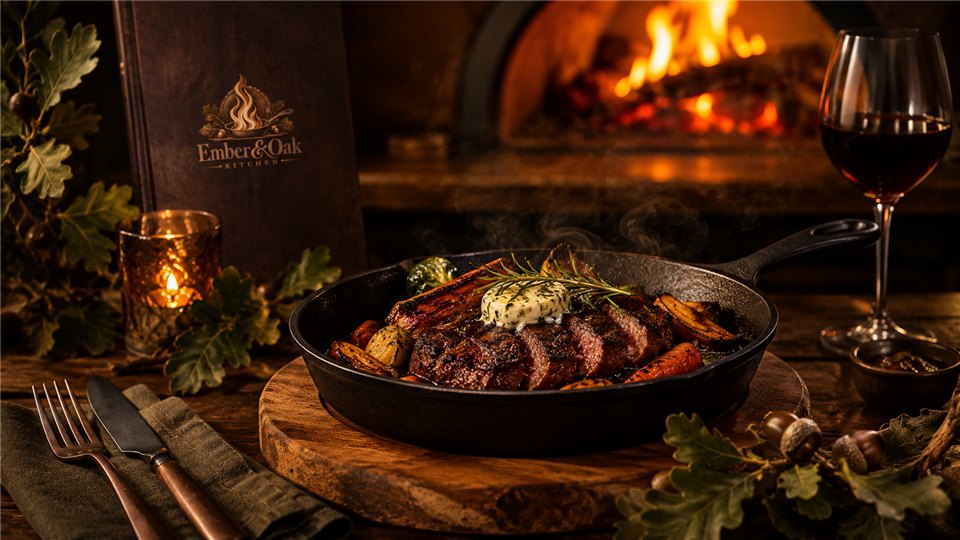
 Ember & Oak Guest WelcomeExplore sign-in
INTERACTIVE CAMPAIGN PREVIEWS
Explore four saved trial campaigns with their original artwork and animated slideshows where the venue uses them. Choose a campaign and walk through guest sign-in.
Downtown Kitchen
Explore the venue artwork, then choose an access method on the phone and follow the guest steps through to the connection screen.

Complimentary guest Wi-Fi — connect in just a moment.
Select an access method

Saved trial artwork. Guest interactions use fictional sample details in your browser.
THE CAMPAIGN EDITOR
Choose branding, sign-in methods, guest terms, and the page guests see after connecting. The editor shows a phone preview as you make changes.
Explore white labelingCampaign editorSAMPLE WORKSPACE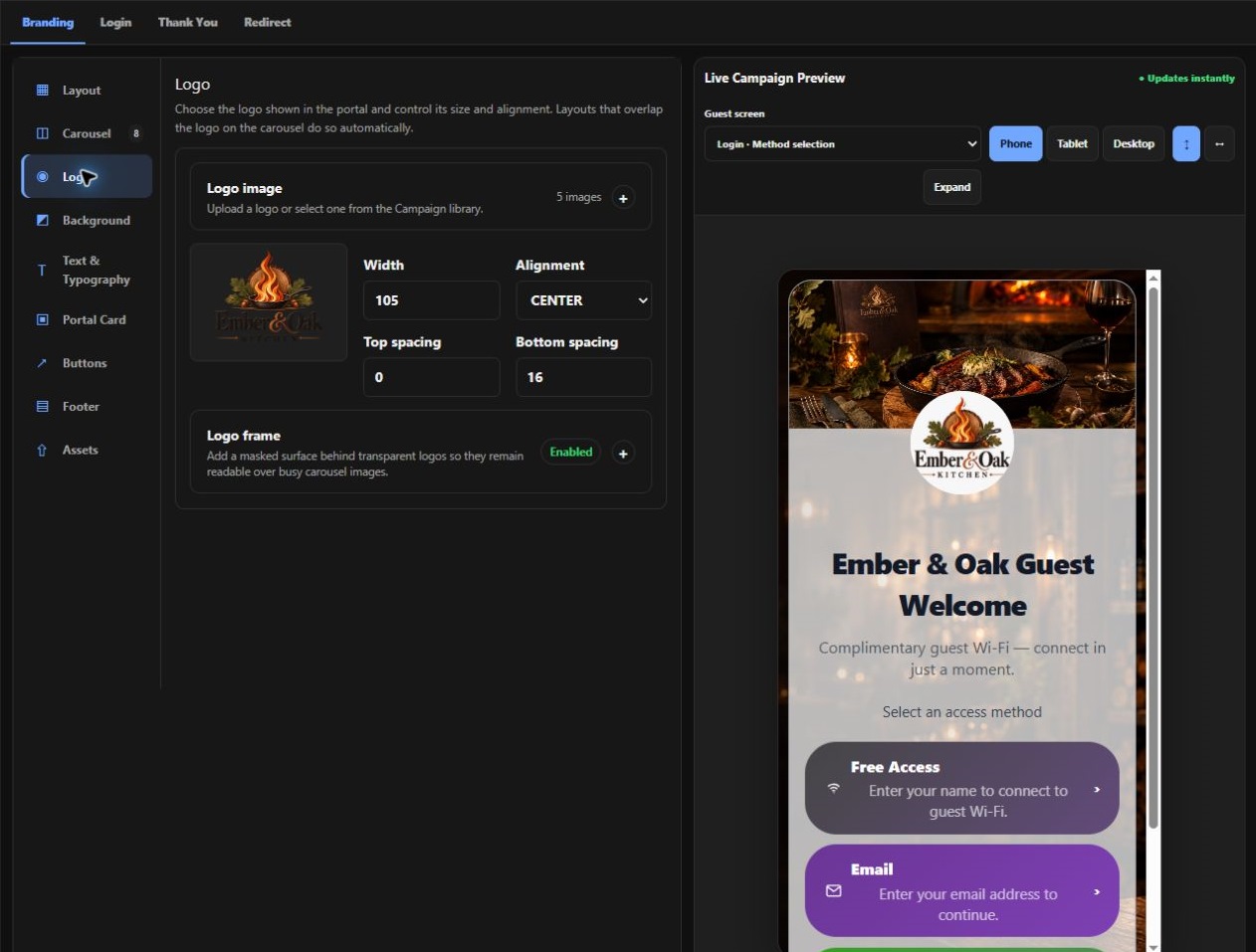
CAMPAIGNS, AUTOMATIONS & EMAIL
Give your team editors for the portal, the workflow, and the emails your clients send.
Start from a business website and create an editable Wi-Fi portal draft with its branding and copy.
RockMyWiFi capability · MSP qualification underway
Connect guest activity to follow-up steps with drag-and-drop triggers, decisions, delays, and actions.
Available actions depend on the workspace and connected apps.
Edit branded guest and account emails. Build marketing templates from visual blocks or custom HTML where enabled.
Marketing email design and delivery are in MSP qualification.
GUEST EMAIL VALIDATION
Enable email validation on a compatible guest network. Guests get temporary Internet access so they can open the verification email and keep connecting.
The branded portal starts the temporary access window and prepares a one-time Magic Link.
The guest confirms the address on the verification page.
After validation, that device gets the venue’s configured Wi-Fi session.
GUEST PORTAL PREVIEW
Use the one-time verification link to keep your Wi-Fi access.
Example of the five-minute validation window.
LIVE DIAGNOSTICS
Follow captive portal sign-ins stage by stage. Active journey details refresh automatically for locations you are authorized to view. Review recorded health evidence in the same workspace.
HARBOR & PINE HOSPITALITY
RECENT GUEST SIGN-INS
| Started | Location / Device | Access | Outcome | Actions |
|---|---|---|---|---|
| 2:26:06 PM | Market SquareLobby AP | Connected | ||
| 2:25:43 PM | Market SquarePatio AP | SMS | Active | |
| 2:25:08 PM | RiverfrontDining AP | Returning | Connected | |
| 2:24:51 PM | RiverfrontTerrace AP | Free | Partial evidence |
Open a journey to see its timeline and inspect individual stages.
ANALYTICS & AI
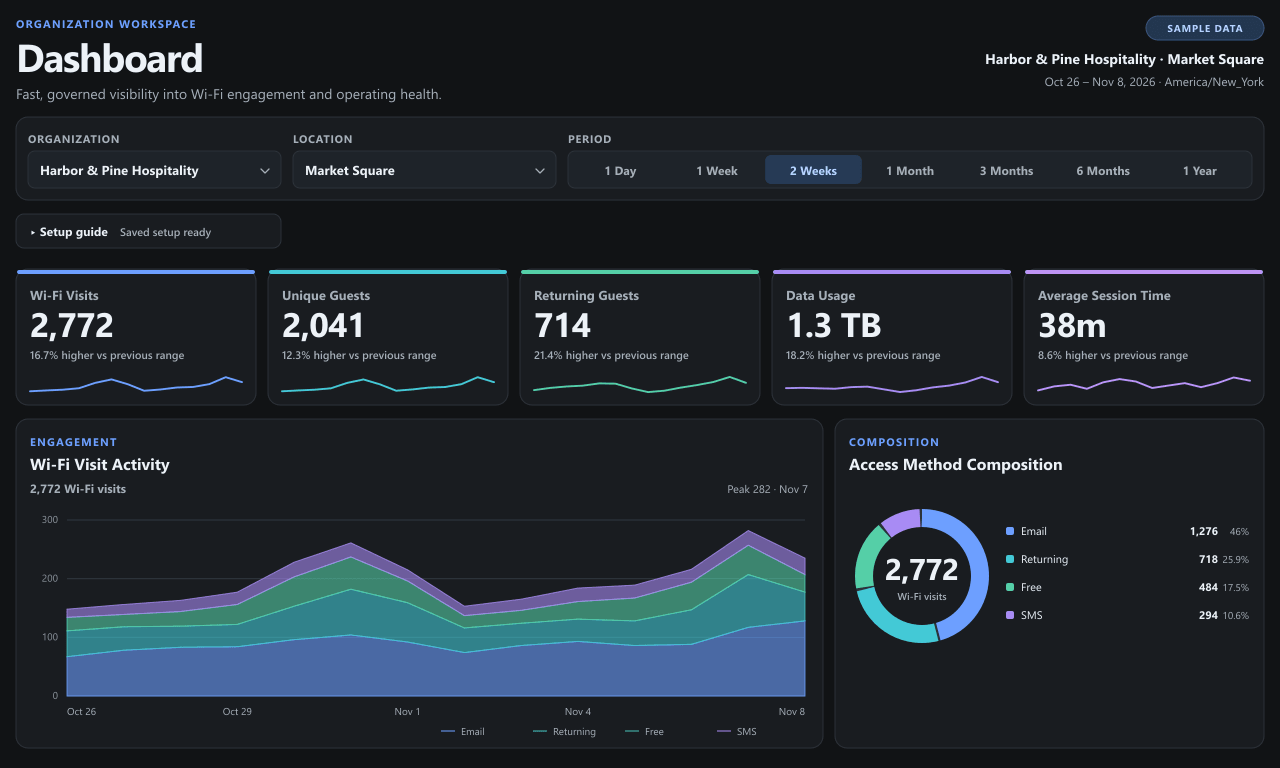
Explore visit trends at a sample venue and try three reporting questions. Use the scoped AI Connector to ask about approved data in your own workspace.
GUEST ENGAGEMENT
Fictional data for Harbor & Pine’s Market Square location.
SAMPLE ANALYTICS QUESTIONS
The demo calculates answers from fictional data. To ask an AI client about approved workspace data, use the AI Connector via MCP.
Nov 7 was busiest in the selected period, with 282 Wi-Fi visits.
AnalyticsSAMPLE WORKSPACE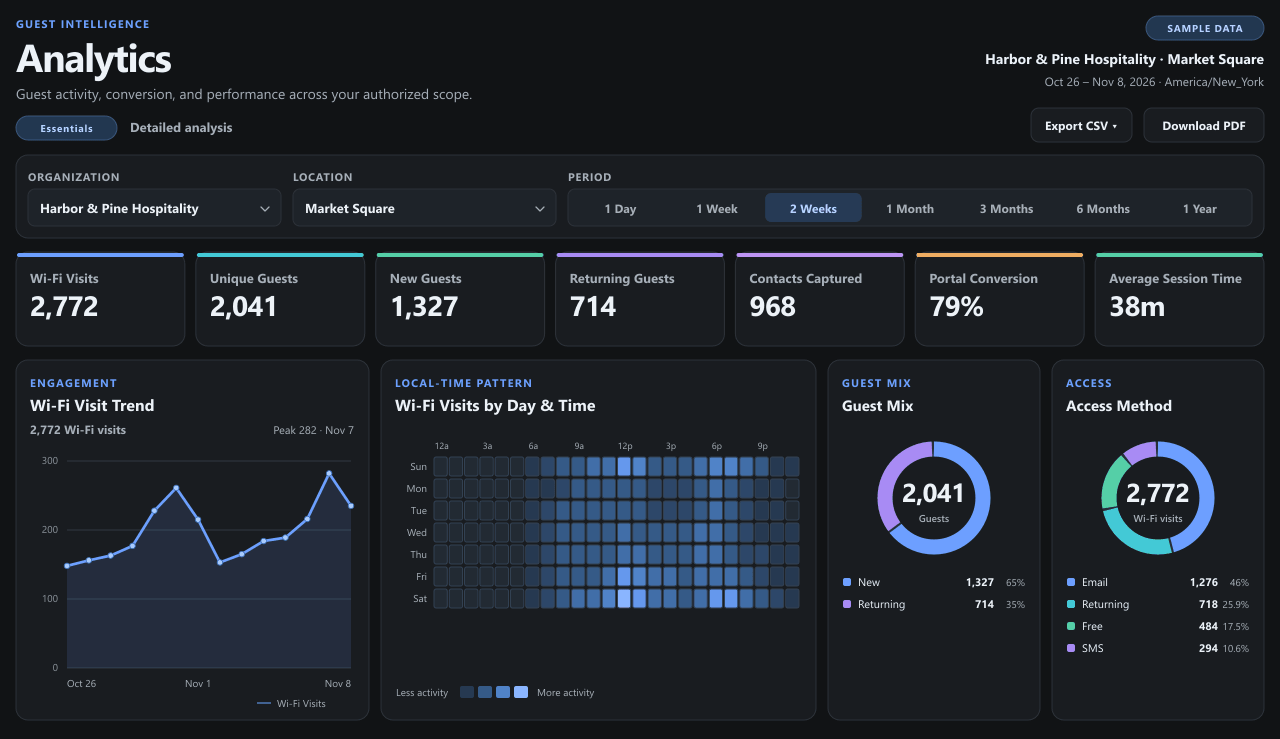
THE REPORTING WORKSPACE
See visit trends, time-of-day activity, and the mix of guest access methods. Share the relevant location view with authorized client users.
Explore client reportingTHE MSP WORKSPACE
Your team works across assigned organizations and venues. Clients sign in to their own scoped views.
YOUR PORTFOLIO
Your team manages client organizations, locations, approved controllers, branding and access from one workspace.
THE WHITE-LABEL EXPERIENCE
Use your branding on the dashboard, guest portal, and operational emails. Explore how those surfaces fit together.
INTERACTIVE BRAND PREVIEW
dashboard.yourmsp.example
CLIENT DASHBOARD
View your location’s guest Wi-Fi activity and reporting.
Sign inconnect.yourmsp.example
GUEST PORTAL
Connect to guest Wi-Fi, managed by Cedarline Networks.
Connect by emailExample screens and hostnames. Select a palette to see your brand on both sign-in surfaces.
CONTROLLER COMPATIBILITY
Check which controller integrations support a full guest connection in the lab and which are available for discovery and inventory testing.
Ubiquiti
Ubiquiti
Cisco
TP-Link
BUILD YOUR SERVICE
Set your own client fee and see what it could bring in across your portfolio. Use the plan comparison to see included locations and access points.
Use your own resale assumptions. See Pricing for our plan rates and allowances.
PROJECTED CLIENT REVENUE
$790 / mo
10 locations × $79 per location
Illustrative gross revenue before platform costs, taxes, and your own expenses.
PLANNED COMMERCIAL TRIAL
We’re planning a free 10-day trial with a card on file. Billing for the selected plan would begin when the trial ends unless you cancel first. Pilot enrollment is available while we finish checkout.